From the archive: this post is about the code behind the first steveshead.io, written in 2021-22. The site runs on Xavier now, so the code here is history rather than how things work today.
As you might know I have another website where I sell design services for the web. Part of making that work was creating a way to filter, sort and paginate a lot of templates and images - 124 at last count. Initially I created an HTML page and used a Javascript called Datagrid to create the functionality I needed. After creating that I decided to recreate a version using PHP and MySQL such that the index page was simple, and all data was stored in a database. I also added the ability to upload new templates, as well as editing current ones. That's where template_JS came into play - the package I created for this functionality.
As I went through the process of creating the package I knew I needed the ability to edit templates, but that function should only be available to an admin (assuming using something like a CSM), or someone with the right password - the edit function needed to be protected. To keep it simple such that folks can create or use their own method of authenticating I stored a password in a variable. If the password exists and is correct it will show the edit button. Here's the PHP I used. If there's a better way please let me know. I wanted to keep it simple, and this works.
In the head of the index file there's a simple variable statement setting the password:
$password = 'password';That variable is then used to show the line below if the password is correct.
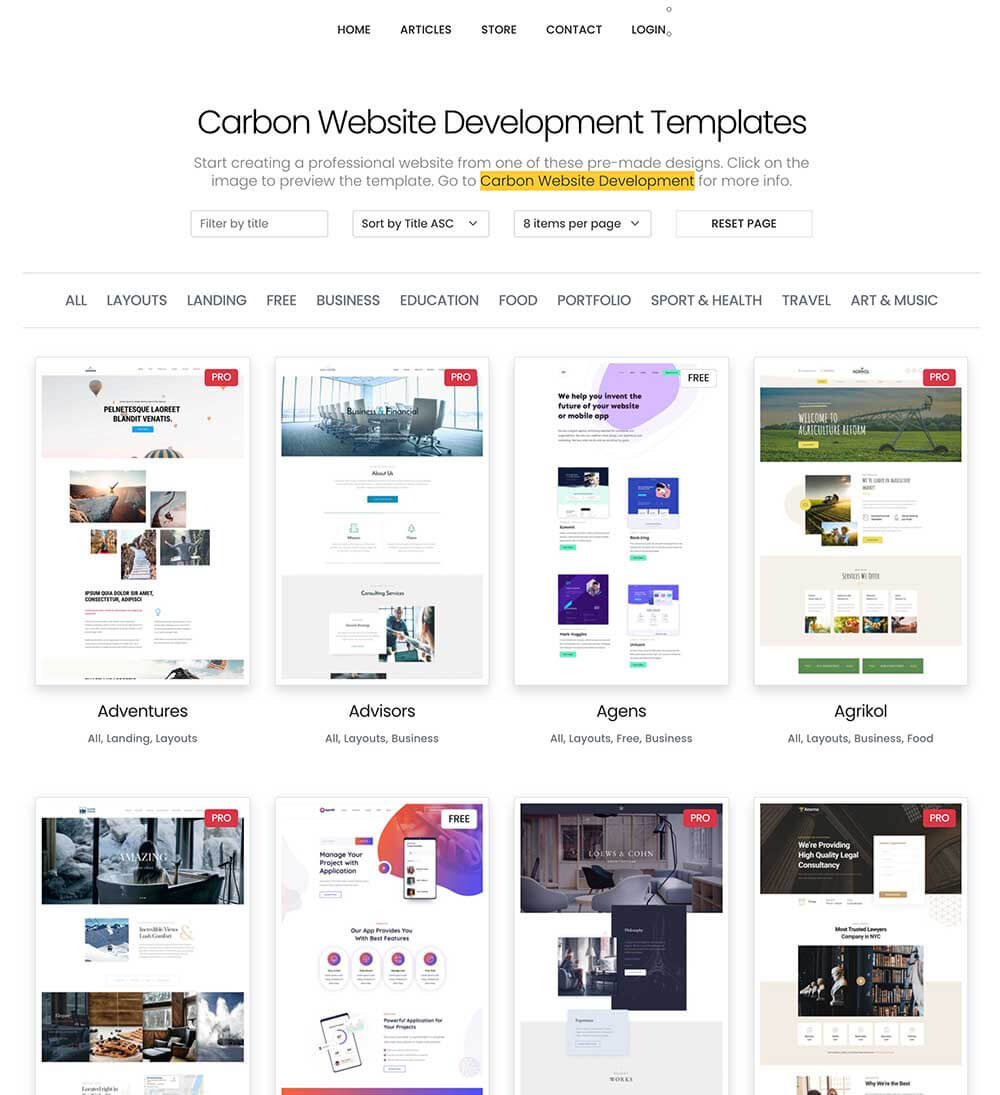
<?php echo($password === 'password') ? '<a href="edit_template.php?id='.$template['id'].'" class="btn btn-sm btn-primary w-100">Edit Template</a>' : '' ?>Simple enough, and it works! Below is what the page looks like without the edit button enabled. You can see the functionality provided for filter by title, sort ASC or DESC, items per page and a button to reset the page in case you want to reset back to normal state.
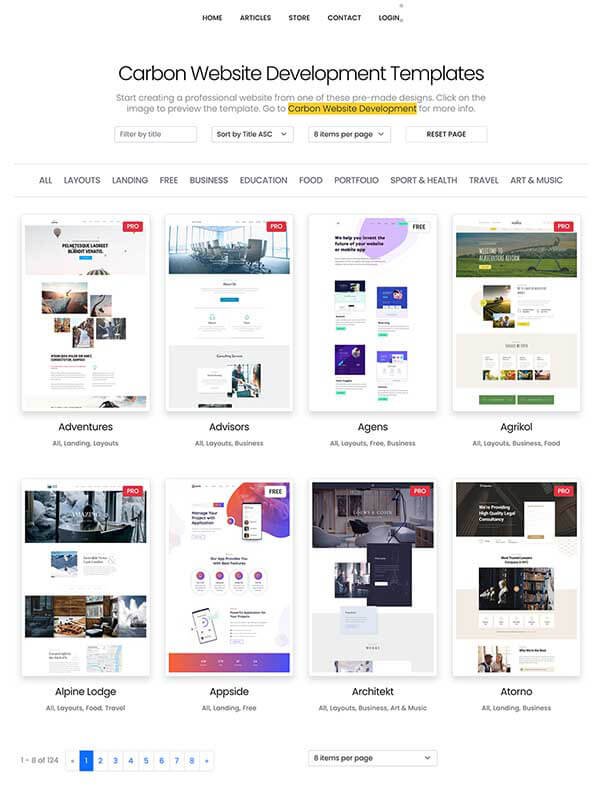
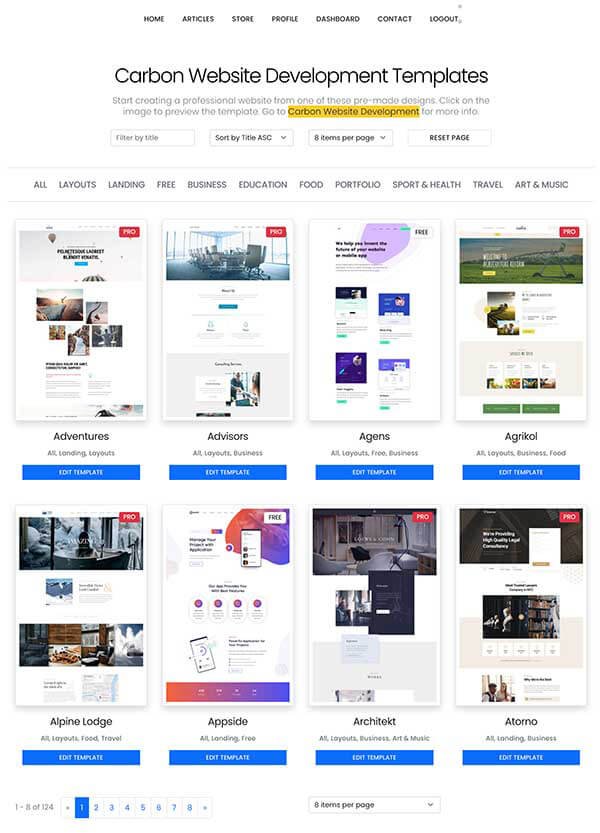
If the password check is confirmed the edit button will appear below each template allowing you to edit the template details. The rest of the functionality is the the same. Here's what it looks like with the edit button enabled.
Just creating the HTML version took a lot of work since it was hand coding all of the currently 124 templates, as well as creating the images etc. It was a worthwhile exercise though, and always fun to create something new.
Here's some highlights of the functionality:
- Filter by search term - start typing in the input field and the templates will be filtered by the search term.
- Default sorting is alphabetical ascending. You can change that to descending with the dropdown.
- Set how many results per page you want to see. Choices are 4, 8, 12, 16 and "All".
- If you want to reset the sorting and filtering, click the "Reset Page" button.
- Build with Bootstrap 5, all versions
The HTML version is HTML, Bootstrap 5 and Javascript. The PHP version is PHP 7.3, MySQL and Javascript, still using Bootstrap 5.
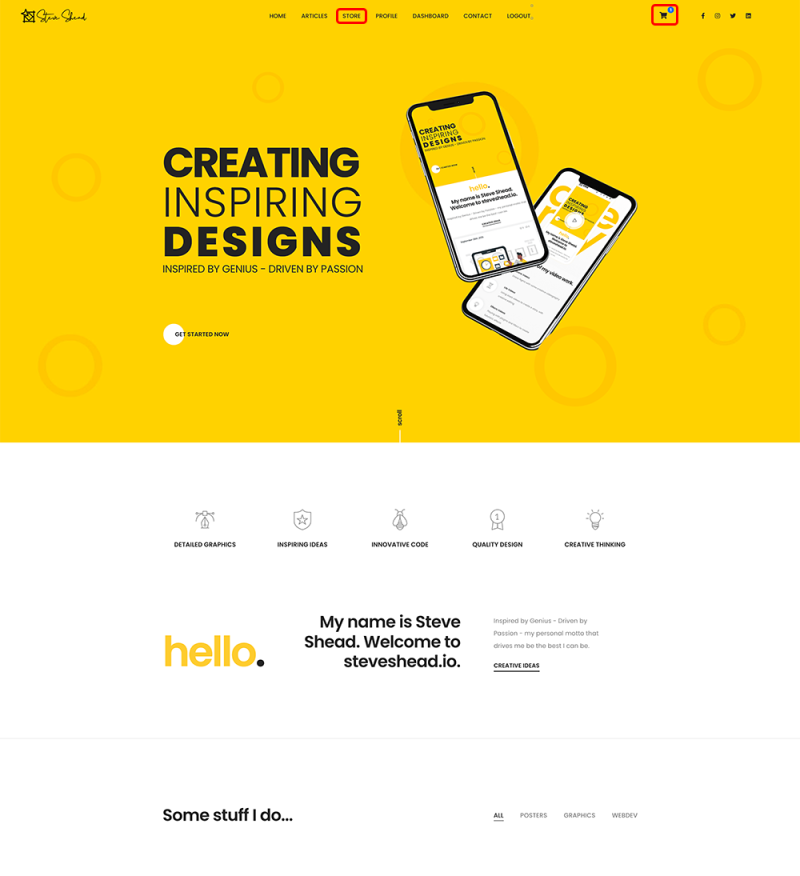
If you want the same functionality I have the app for sale in my store here, and it's only $5. That covers the license and the work I put in to create it. Feel free to purchase for your own needs.
Like I said, initially it was created for a specific function for me. I've made a number of sales to folks that use the same platforms as I do, and it has been well received. Click the link below to view the app in the store.
As always let me know your thoughts, ideas and opinions - always open to feedback.
Happy coding!
Cheers
~Steve
Comments
No comments yet - start the conversation.
Log in to join the conversation.
Log in Create an account