From the archive: this post is about the code behind the first steveshead.io, written in 2021-22. The site runs on Xavier now, so the code here is history rather than how things work today.
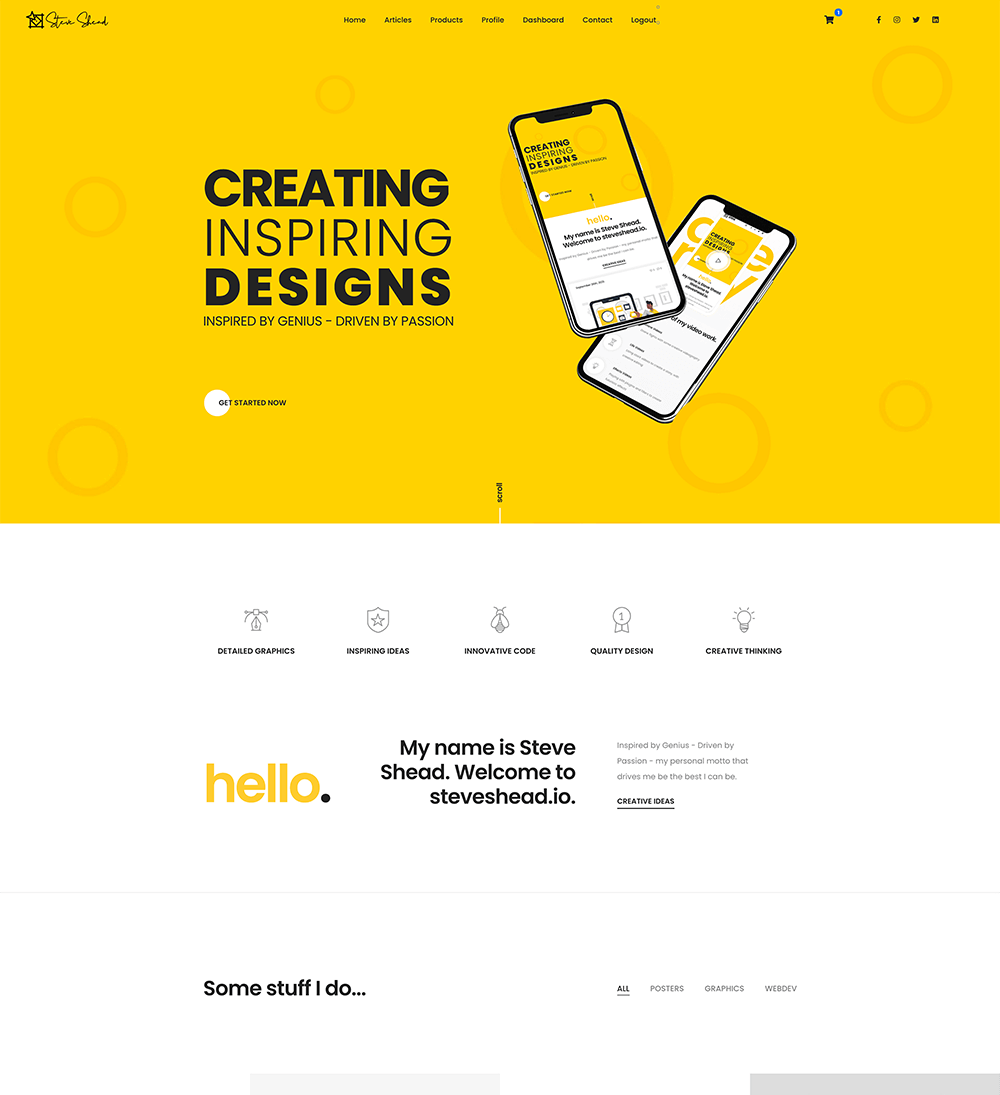
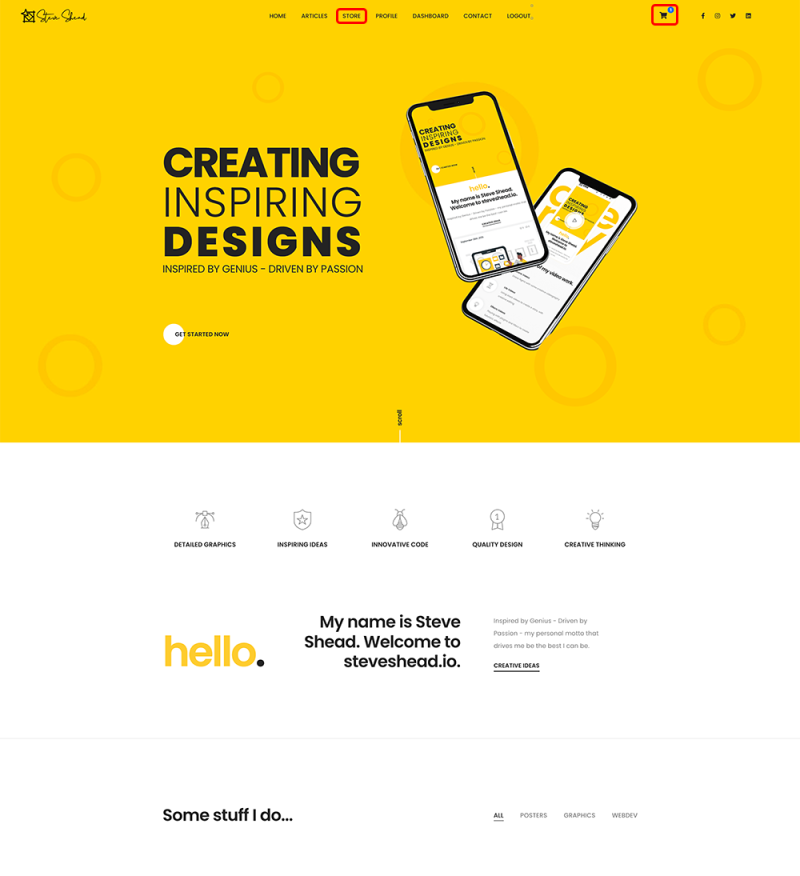
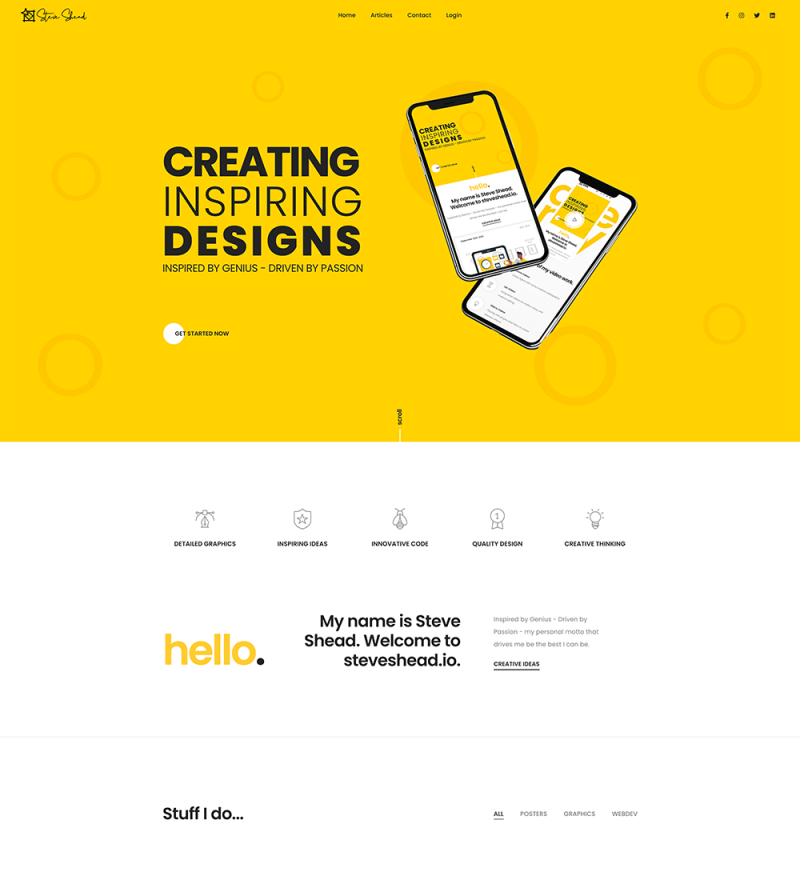
The main image looks similar to the first post cover image, but note there is now a product link and a cart icon in the navbar. That icon will only show if there is one or more items in the cart. That's a preview of what's new in the next release.
As you might have gathered I am adding an online store, with the ability to review products. These are two entirely separate modules, but operate well together, though stitching them together was one challenge - adding them to this code base was another. That being said, I am having fun doing it!
Within the store you can add multiple images, add multiiple products, create and add discount codes, create product categories and checkout with either Paypal or Stripe. I've minimized the complexity a bit - there's a lot more to it than I've described, but it functions really well, and so far in testing has performed really well. Since it involves ecommerce I want to be really sure it's going to be be functional and safe for use.
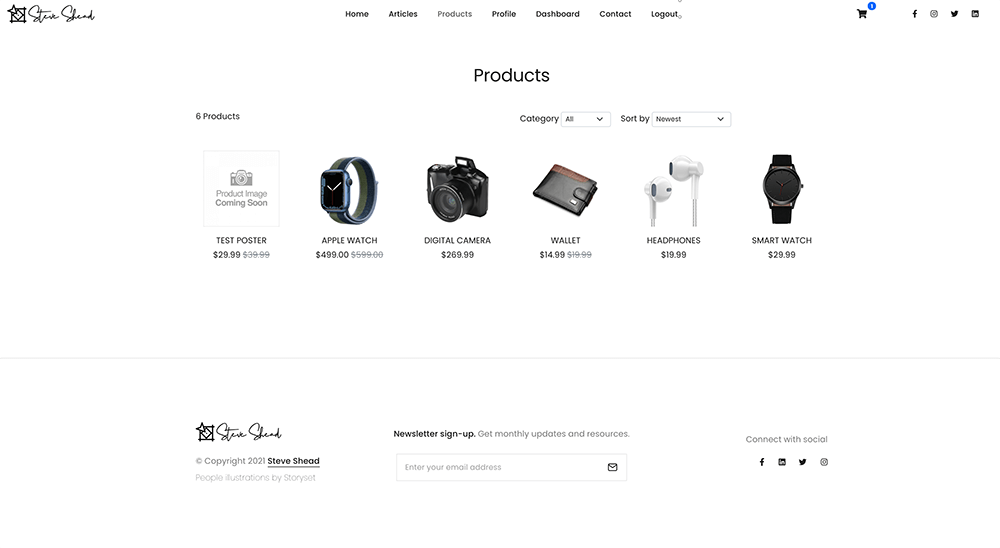
Here's what the product page currently looks like. It's quite vanilla but it fits in with the theme of the website. I might give it a little more flare later on - not sure yet. Note that you can add a 'recommended retail price' - that's the price that is crossed out. It's not required, but is available.
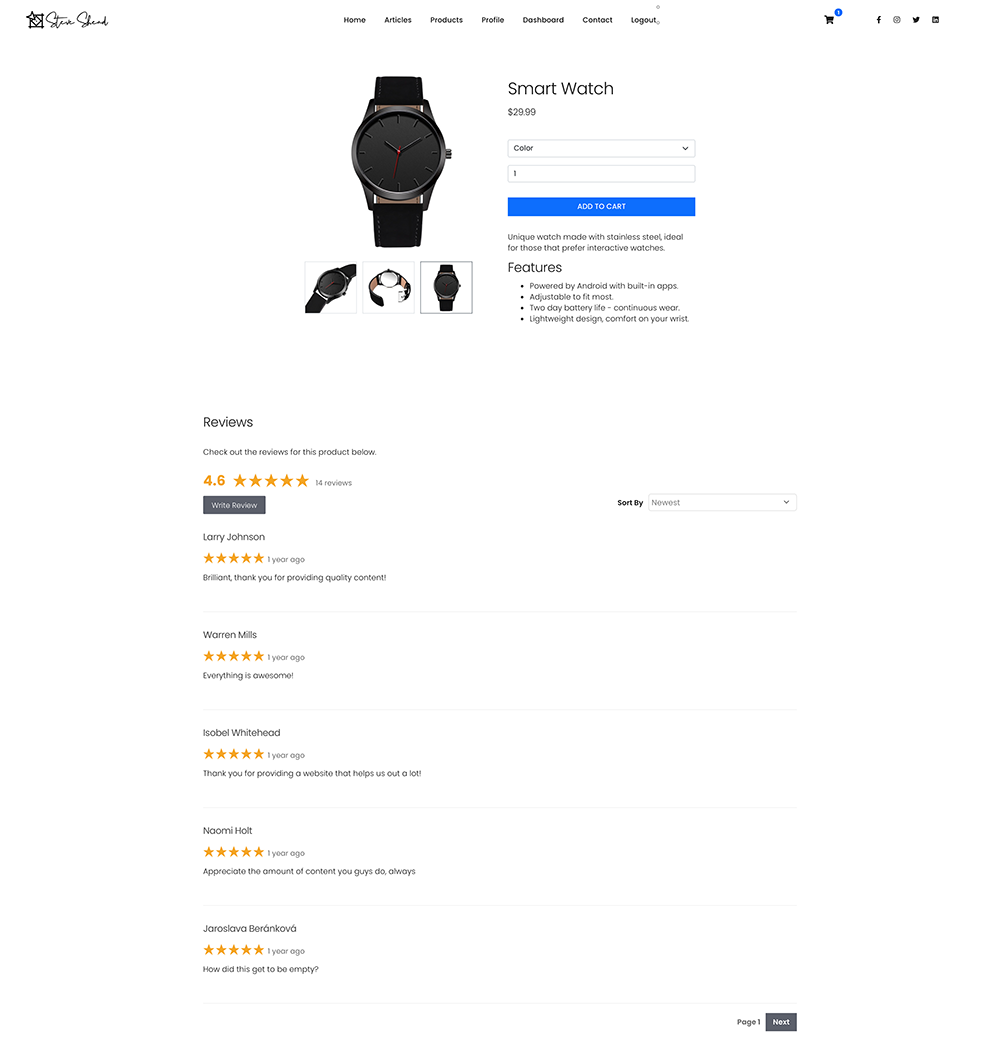
Each product can have multiple options such as color, size as well as multiple images. The image below shows a single product with most of the options illustrated. It also shows product reviews/ratings. If you were to click on the "write review" button a form would show where you can create a review. In the admin panel you have the ability to force moderation of reviews before posting if needed.
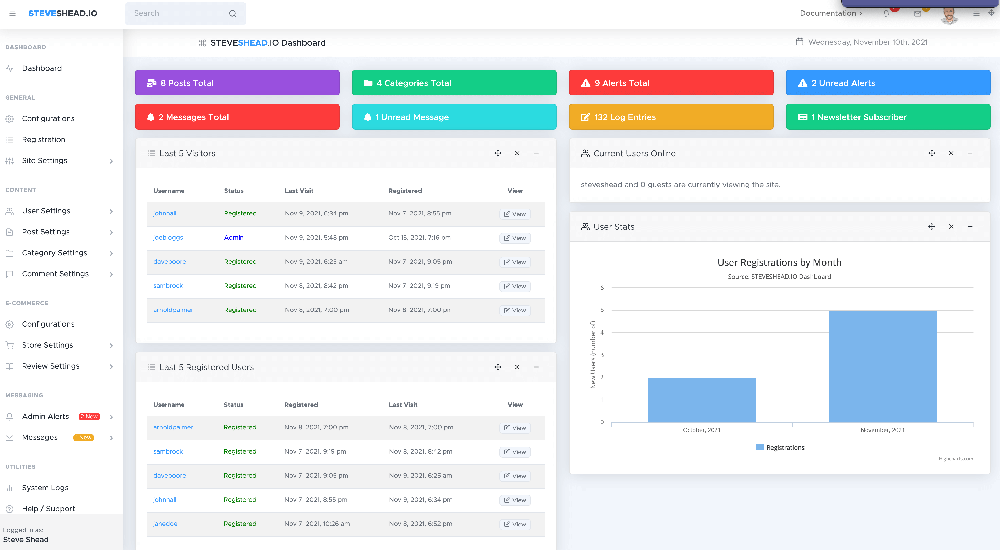
In the admin panel I have added the store configurations and review configurations as separate panels. Within in each panel are the options for each section - this includes CRUD operations, as well as some high level reporting. Below is an image showing the top level panel adds.
The product creation panel is where you can create and configure your products, whether digital or not. There are a lot of available options for the products themselves, as well as creating shipping configurations and uploading multiple images. Again, not going into detail here, just giving some flavor. Below is an image showing the product creation panel.
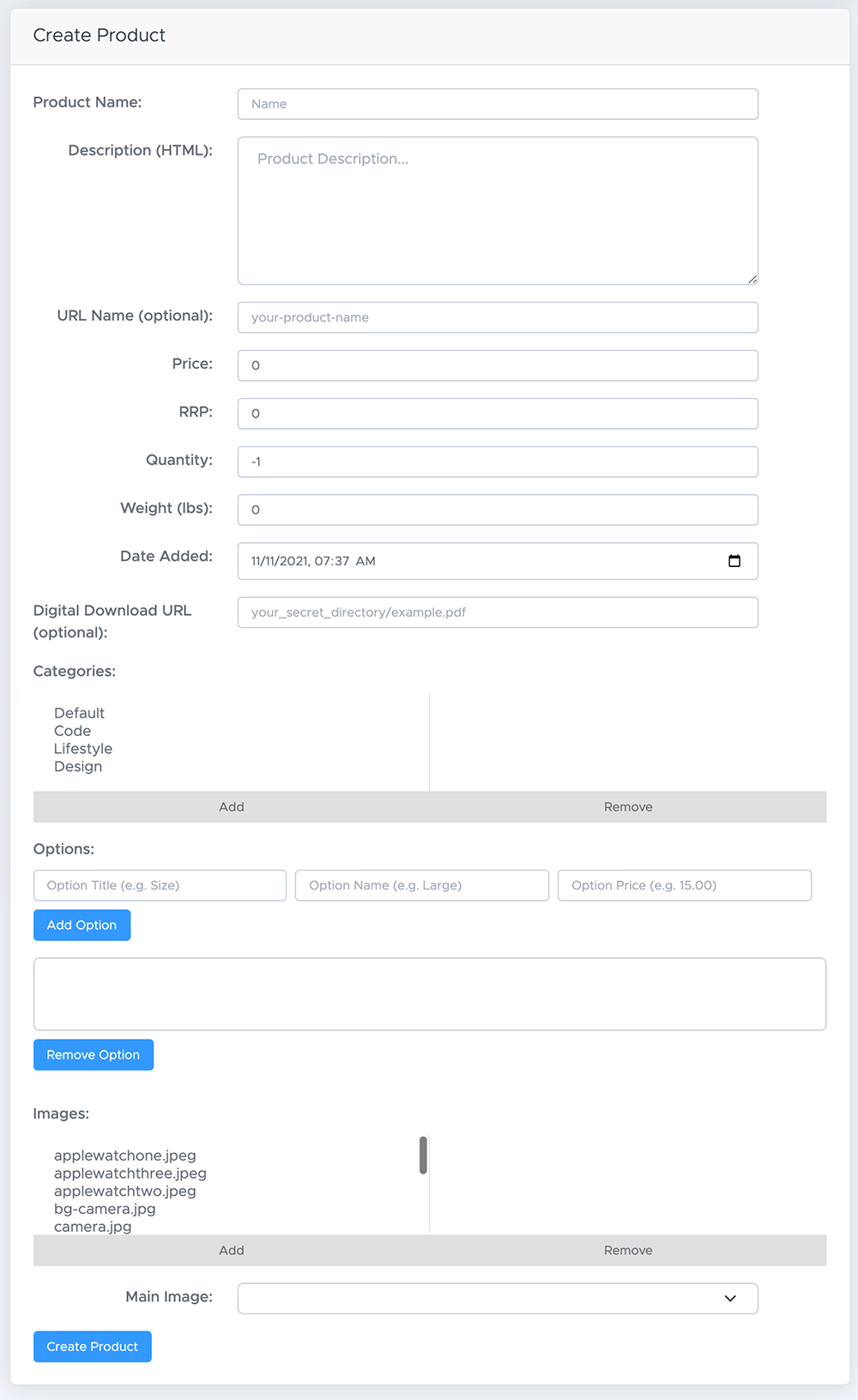
As you can see it's going to be quite extensible once completed. I still have some testing and code cleanup to do, but it's mostly where I want it to be. Once done I'll create a couple of downloadable products for sale on this site.
Part of the learning curve on this one was creating the store and reviews system separately, then integrating into the dev version of this site. That might not have been the easiest way to do it, but I wanted to make sure the functionality worked before I incorporated it into the dev site. Definitely a learning curve.
Last disclaimer - I didn't create these functions from scratch. I followed a couple of tutorials and then enhanced what I produced from the tutorials. The store is quite complex and it will take a while before I can create something like that from scratch, though each time I iterate through a project coding feels more intuitive, especially combining coding with UX/UI.
Part of the learning curve is finding issues along the way, as well as creating functionality that fails first time around. Part of the fun is fixing those issues, and I am always driven to see it through. Though it can be frustrating at times, once fixed I get a great sense of accomplishment.
Enough for now. As always, please let me know your thoughts and ideas.
Happy coding!
Cheers
~Steve

Comments
No comments yet - start the conversation.
Log in to join the conversation.
Log in Create an account