From the archive: this post is about the code behind the first steveshead.io, written in 2021-22. The site runs on Xavier now, so the code here is history rather than how things work today.
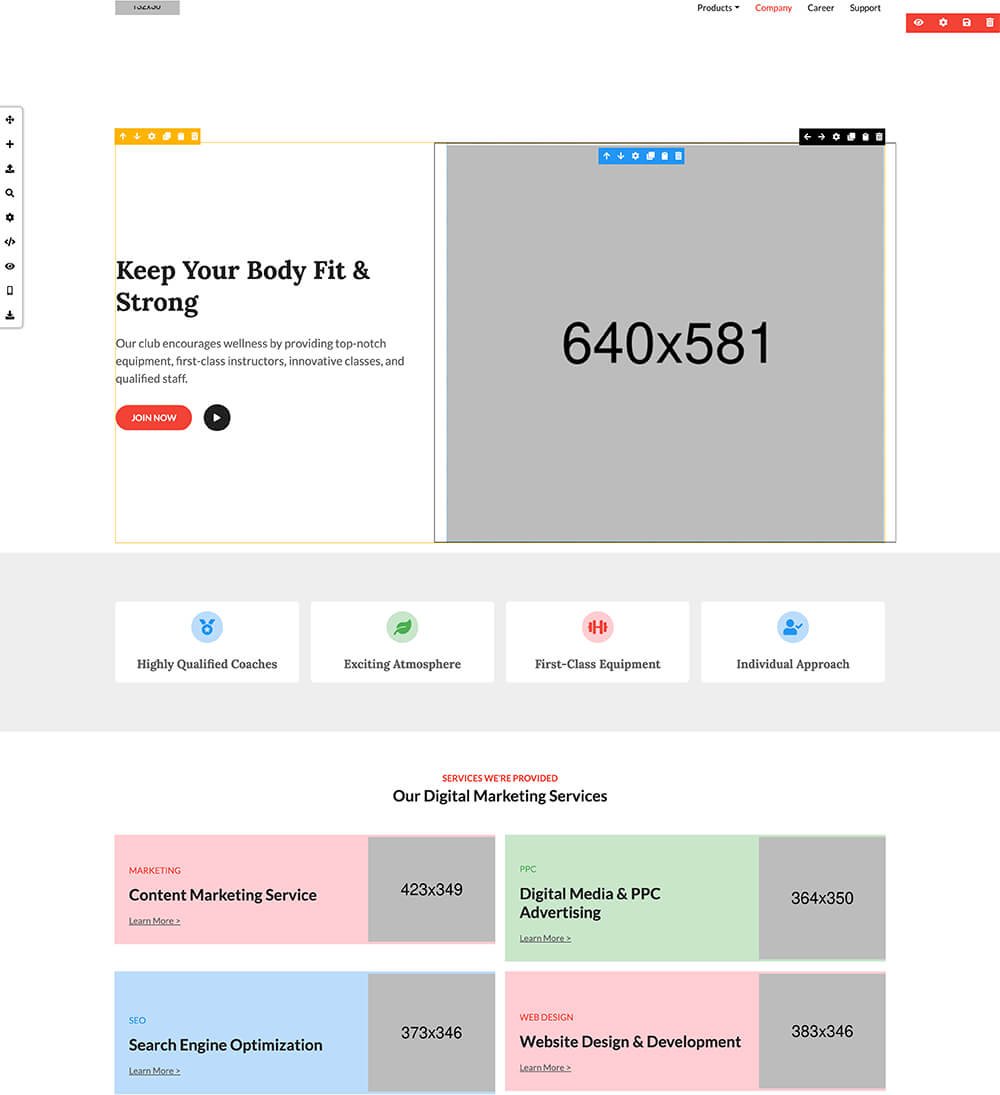
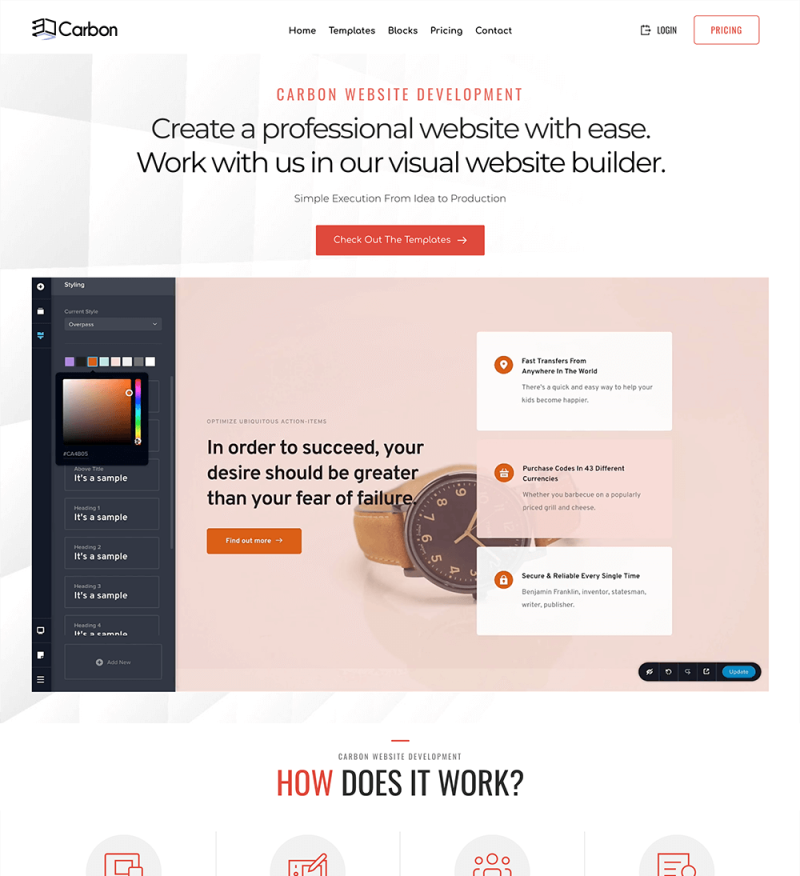
Pagebuilder is a drag and drop website editor built around the Bootstrap 5 framework. It's a value add, and free to use for registered users. You don't need to know code to benefit from this tool - it's a visual editor, built to be simple and intuitive. I hope you enjoy creating unlimited webpages and websites with this tool!
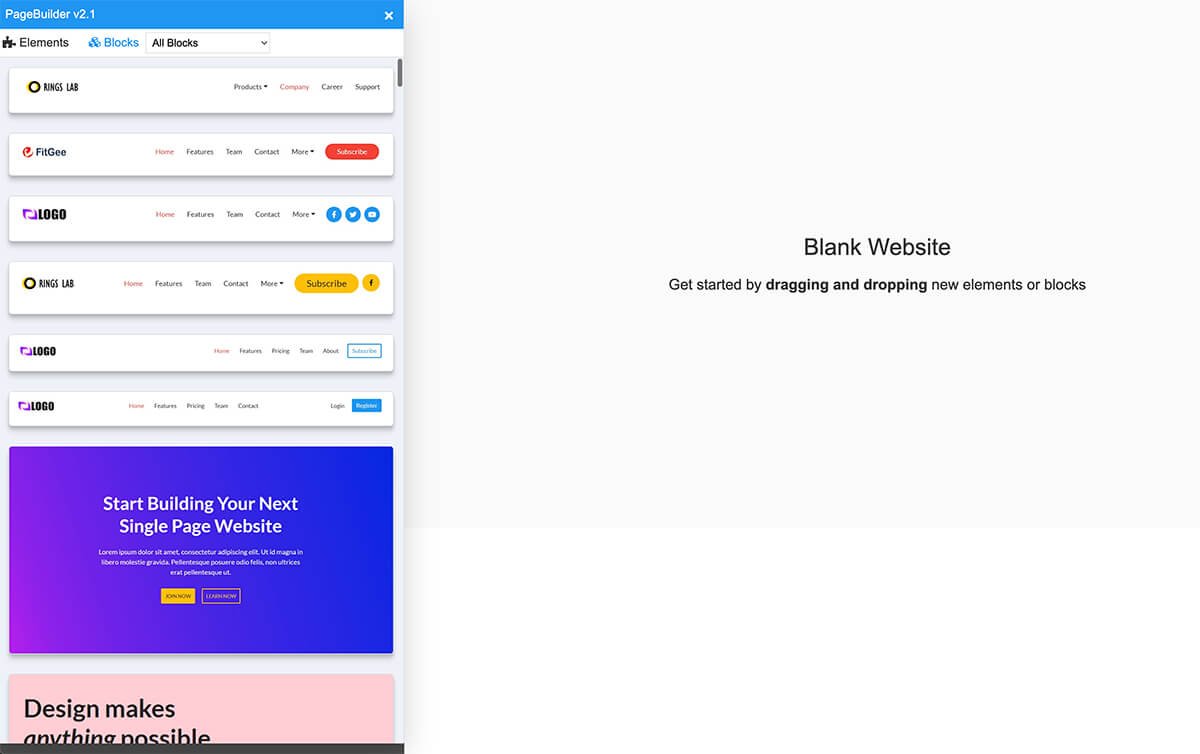
How PageBuilder Works
- No coding skill is required. Just drag-and-drop the elements/premade blocks to the page.
- Add/edit text and images, customize colors and fonts, crop images, or change the order of blocks and elements. You can even build your own from scratch.
- Download your website directly to your computer.
- Extract files and upload them to your website host using FTP.
Why PageBuilder?
- You don't have to target the mobile version for every element. All elements are fully responsive.
- Drag-and-Drop interface with intuitive settings to customize your page.
- PageBuilder doesn't store anything on your computer while creating your website.
- You don't have to set AOS(Animation On Scroll) manually. You can set it with one click.
- You can edit your webpage in realtime in your browser.
- You can export unlimited numbers of one-page static websites - there is no limit.
- Exports only the assets(CSS and JS) used by the current web page.
- PageBuilder integrate with popular services such as collecting emails, tracking website, adding YouTube/Vimeo videos and even adding Facebook Chat
- Create your first Bootstrap 5 based website or landing page with PageBuilder.
- Easily your website and download with one click
One thing to note is that you need to replace the placeholder images in the builder. The placeholder images are not downloaded when you export the package. If you do download without replacing the images you'll see broken images when viewing your page. You can always edit the page in an HTML editor and replace the images there if you'd like.
View PageBuilder
As always let me know your thoughts, ideas and opinions - always open to feedback.
Happy coding!
Cheers
~Steve
Comments
No comments yet - start the conversation.
Log in to join the conversation.
Log in Create an account